AI automation means software can do work that used to need constant human input, such as replying to leads, updating records, routing tasks, and sending follow-up messages. In 2026, the latest shifts matter because businesses need faster work, fewer mistakes, better follow-up, and more time back.
The biggest changes aren't limited to chatbots. What's moving the market now is smarter workflows, connected systems, and AI tools that can take action instead of only making suggestions. That shift is where the real business value shows up.
What is driving the latest trends in AI automation?
Smarter AI models are making automation more useful
Newer AI models understand context better than earlier tools did. They can read a message, catch the intent, and respond in a way that fits the situation. Because of that, automation can handle more than canned replies.
This matters in daily work. A support request can get sorted by urgency. A sales inquiry can get tagged by service type. An operations team can turn scattered notes into clear tasks. Better language handling also means fewer awkward replies, fewer manual fixes, and more confidence when you put AI in front of customers.
No-code and low-code tools are opening the door for more teams
A few years ago, many automations needed a developer every time a business wanted to tweak a workflow. Now, marketers, office managers, and owners can build a lot of those flows on their own. Drag-and-drop builders, pre-built triggers, and template libraries have changed who can use automation.
As a result, testing happens faster. A team can adjust a lead form, change a follow-up sequence, or add a text reminder without waiting two weeks. That speed matters because small improvements add up. When non-technical teams control the day-to-day setup, they can fix gaps while the problem is still small.
Businesses want faster responses and fewer missed opportunities
Staffing pressure is a major reason this trend is growing now. Many companies still need to answer more leads, more messages, and more admin work without adding large teams. So automation fills the gap where slow response times and dropped handoffs hurt revenue.
That pressure is strongest in lead-driven businesses. If someone calls, fills out a form, or asks for a quote, waiting even an hour can cost the sale. Recent SBE Council coverage on small business AI use shows how normal AI tools have become for smaller firms. In other words, automation is no longer a side project. For many businesses, it's basic response infrastructure.
The biggest AI automation trends businesses are using today
AI agents are starting to do multi-step work
One of the clearest changes in 2026 is the rise of AI agents. These tools don't stop after one reply. They can answer a question, collect details, tag the lead, update the CRM, route the inquiry, and trigger follow-up without a person touching every step.
A plumbing company gives a simple example. A prospect asks about emergency service at 9:30 p.m. The AI can confirm the zip code, log the issue, text the on-call tech, and send the customer a next-step message right away. That kind of chain used to require several tools and a staff member watching the inbox.
 ### Conversation-based automation is replacing basic forms and static chat
Basic contact forms still have a place, but they often create friction. People want quick answers before they give up their phone number. That's why AI-powered chat, text, and voice tools are gaining ground. They can qualify leads, answer common questions, and guide people to book, call, or request a quote.
The best results come when those conversations connect to the rest of the system. If chat lives on an island, the business still loses time. But when the conversation feeds the CRM, triggers follow-up, and alerts the right person, the exchange turns into action. That's a big step up from a chatbot that only says hello.
Workflow automation is becoming more connected across teams
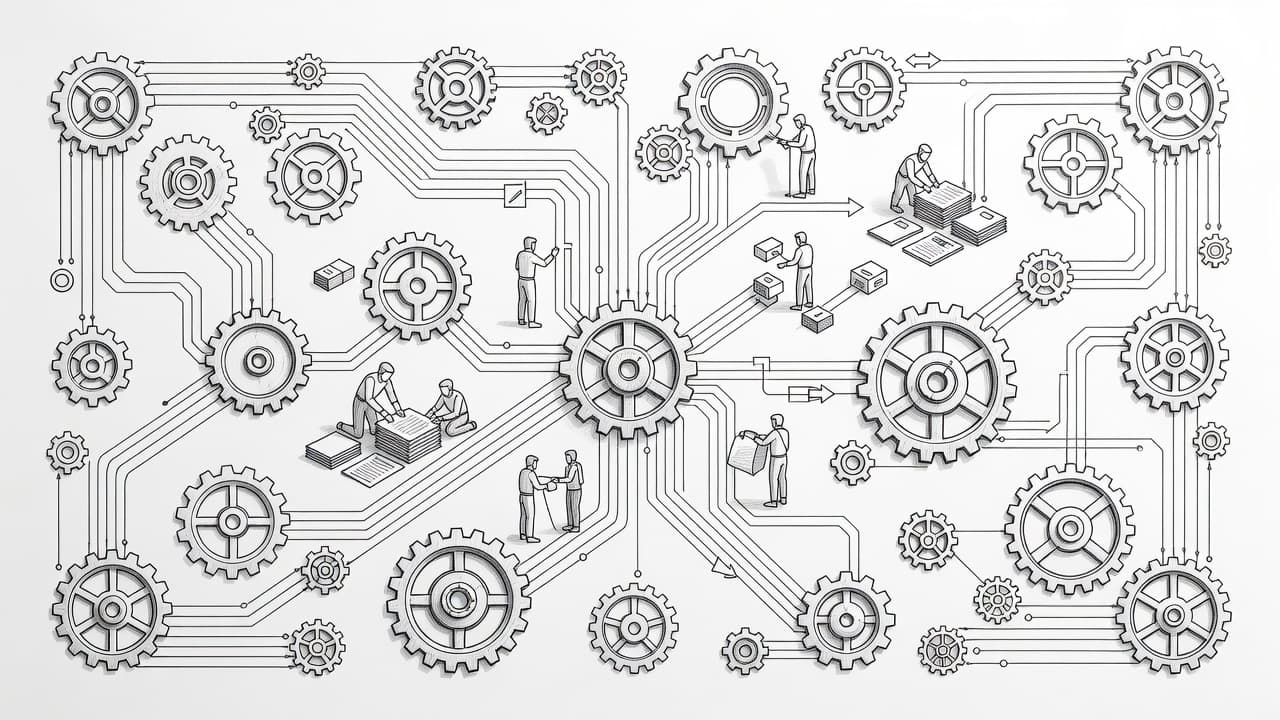
Another major trend is connection. Businesses are linking websites, CRMs, calendars, email, SMS, and task tools so lead data moves through the whole process. That reduces manual re-entry and cuts down on missed details.
When systems talk to each other, every handoff gets cleaner. Sales sees the source. The front desk sees the notes. Management can see whether the lead booked, bought, or disappeared. That kind of end-to-end visibility helps stop lead leakage, which often hides in the gap between one tool and the next.
 ### AI search optimization is joining the automation mix
Search is changing, too. Businesses now care about showing up in AI-generated answers as well as traditional search results. That means content has to do more than rank. It also has to feed discovery, capture intent, and move people into a follow-up path once they land.
Automation helps connect those dots. A prospect finds a service page, asks a question in chat, gets routed into the CRM, and receives a reminder if they don't book. That flow matters because visibility alone doesn't pay the bills. For a broader view of where small business tech is heading, Zoom's 2026 tech trends overview gives useful context.
How AI automation is helping service businesses capture more leads
Faster lead response can raise conversion rates
For service businesses, speed is money. A homeowner looking for roof repair, a patient seeking an appointment, or a legal prospect requesting help often contacts several companies at once. The first useful response has a strong edge.
AI helps by replying right away after a form fill, missed call, or web chat. It can confirm receipt, ask one or two qualifying questions, and route the lead to the right person. Meanwhile, staff members can focus on live conversations instead of sorting the inbox. That improves speed-to-lead without forcing the team to be online every minute.
Automated follow-up keeps leads from going cold
A fast first reply helps, but many deals are lost later. Some prospects get busy. Others need a reminder, a second answer, or a nudge to schedule. When follow-up stops too soon, good leads fade out for no good reason.
Automation fills that gap with planned email, SMS, and task reminders. A local med spa can send booking prompts after an inquiry. A contractor can follow up after an estimate request. A law office can remind staff to call back if a form came in after hours.
Many leads don't disappear because they said no. They disappear because nobody followed up again.
AI can help track every inquiry from start to finish
Tracking is where many businesses still fall short. They know leads are coming in, but they can't always tell where each one came from or what happened after the first contact. That makes it hard to judge ad spend, SEO work, or staff performance.
AI automation improves that visibility by logging each step. Source data, messages, appointment status, and outcome can all stay tied to one record. Because of that, owners get a clearer view of what converts and where leads drop off. Better tracking also makes accountability easier across marketing, sales, and front-office teams.
What to watch before you adopt more AI automation
Start with one broken process, not your whole business
The smartest place to begin is a clear pain point. Slow lead response, weak follow-up, missed calls, and repetitive admin work are good starting targets because the result is easy to measure. You can see response time, booking rate, and recovery of missed opportunities.
Starting small also keeps the setup realistic. A business that fixes one leaky process learns faster than one that tries to automate everything at once. Once that first workflow works well, the next one is much easier to build.
Make sure your systems can talk to each other
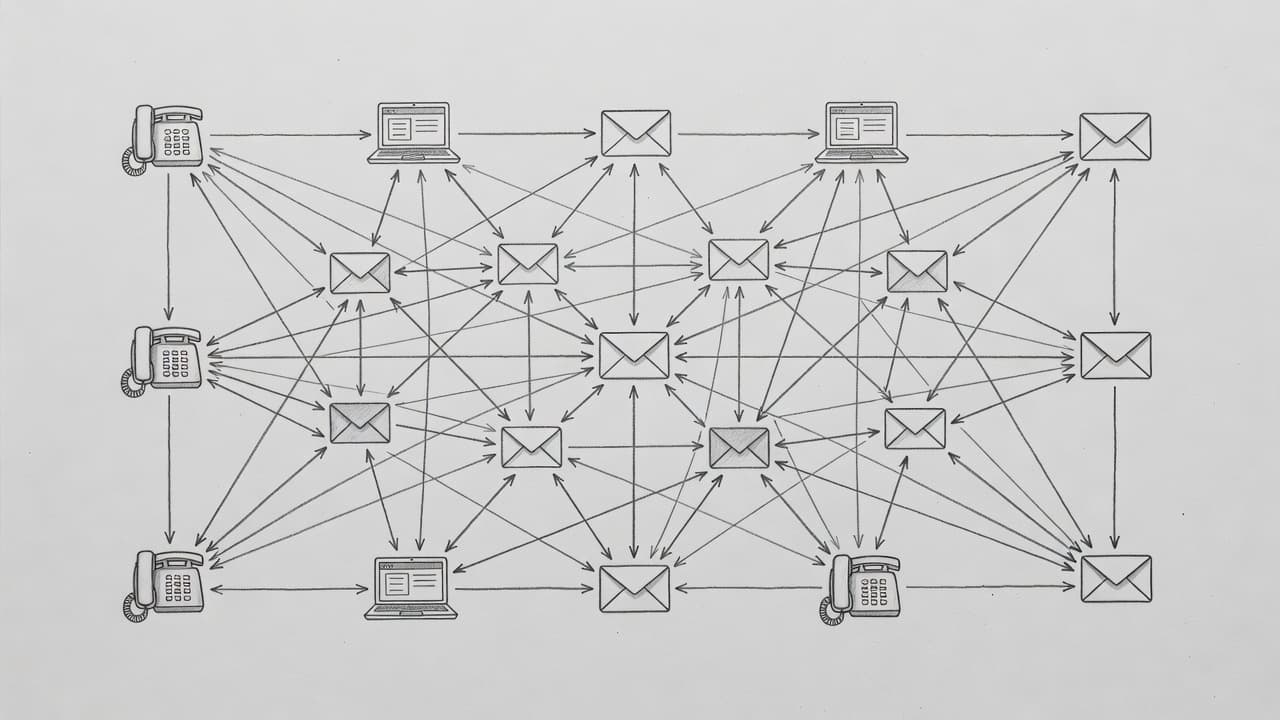
Disconnected tools create extra work. If your website, CRM, calendar, email, texting platform, and reports all live in separate silos, AI won't fix the problem by itself. It may even add confusion if data ends up in three places.
Before buying more software, check the basics. Can your lead source push data into the CRM? Can booked calls update the calendar and trigger reminders? Can staff see the full history in one place? Guides like Salesforce's roundup of AI tools for small business are useful, but the best tool is still the one that fits your stack.
Keep a human review step for sensitive tasks
AI works best when the process is clear and the stakes are reasonable. Yet some tasks still need human judgment, especially in healthcare, legal services, finance, and high-value sales. A wrong appointment type, a weak answer, or a tone-deaf message can create real problems.
 Keep people in the loop for quotes, case reviews, medical questions, complaints, and other sensitive moments. Clean data matters, too, because bad inputs create bad outputs. When humans review the right steps, automation becomes safer and more useful.
Conclusion
The biggest AI automation trends in 2026 come down to smarter systems, not only smarter software. Businesses are getting the most value when AI responds faster, follows up longer, and connects each part of the customer journey.
That matters most in places where lost leads hurt revenue fast. If you want a practical next step, audit one workflow or one lead source for missed handoffs. Fix that first, and AI automation starts paying for itself in a way you can see.